
4. Editing & Managing Blog Posts
After creating blog posts, you can easily manage them from the Blogs section.
Managing Drafts
Section titled “Managing Drafts”- Go to the Drafts section to view all your saved drafts.
- Click Edit on any draft to continue working on it.
- Once finished, you can either publish or keep it as a draft for later.
Updating Published Posts
Section titled “Updating Published Posts”- Navigate to your published posts list.
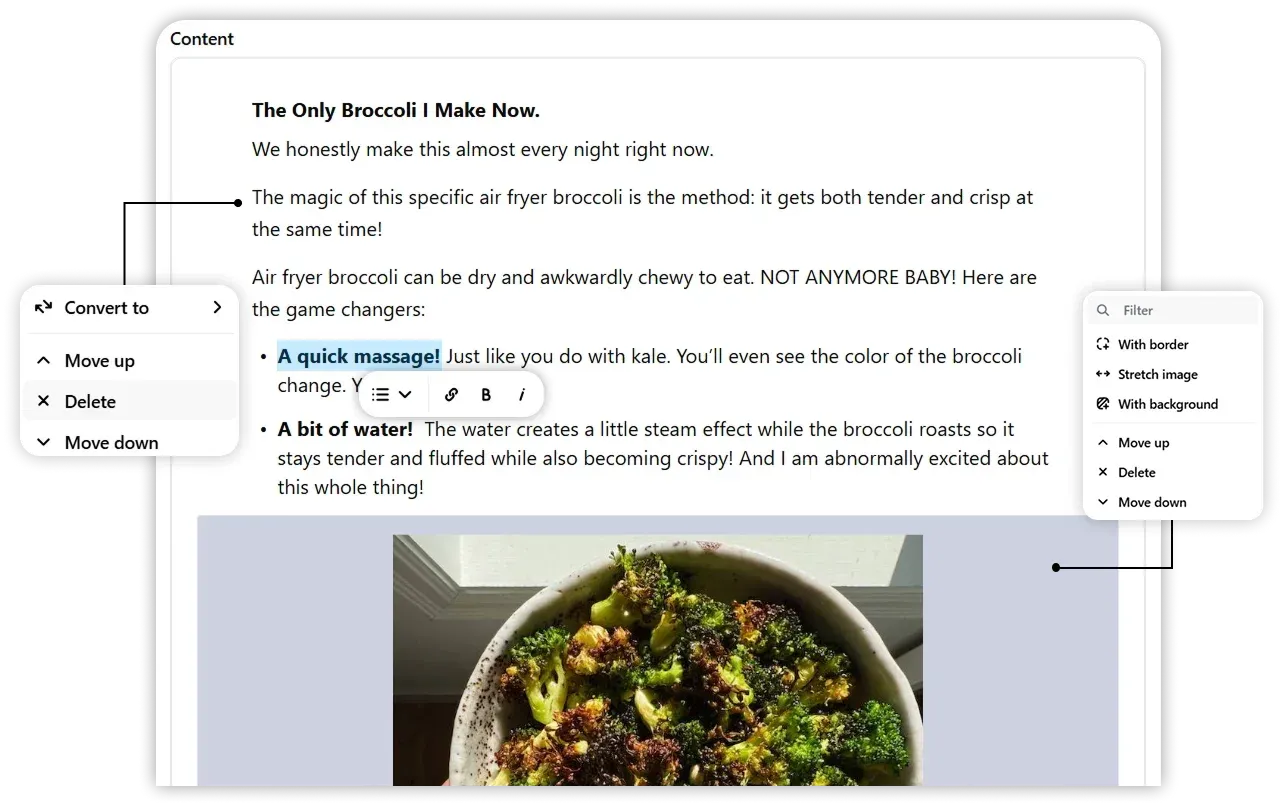
- Click Edit to modify the content blocks, add media, or update metadata.
- After making changes, republish the post to overwrite the live version.
- If needed, you can also revert a published post back to draft status.
Tip: Use the draft status to temporarily hide posts without permanently deleting them.