
3. Creating a New Blog Post
To create a new blog post, go to the Blogs page and click the New Blog button.
Steps to Create
Section titled “Steps to Create”- Fill in required details (title, category, tags, etc.).
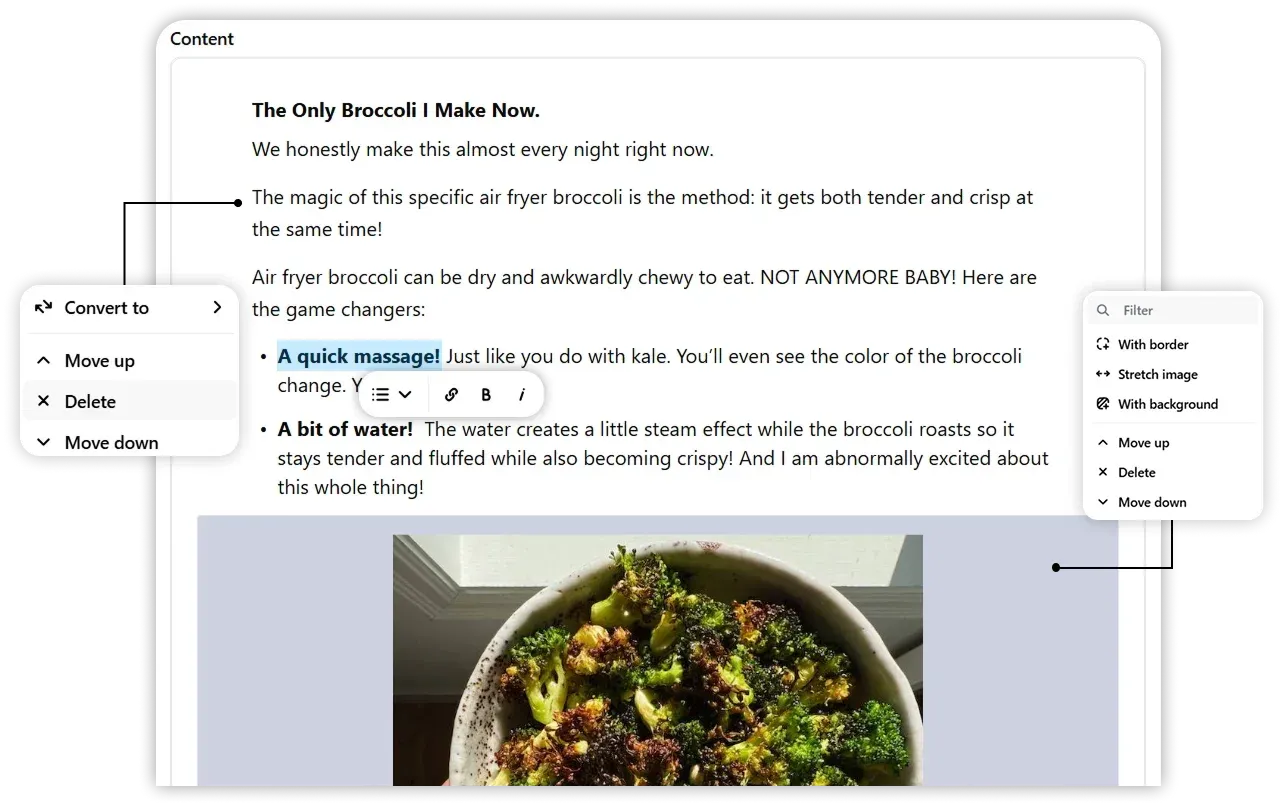
- Add your blog content in the built-in editor.
- Choose from three options:
- Preview: See how your blog will appear before publishing.
- Save as Draft: Store your blog for future editing (not visible to the public).
- Publish: Make the blog live for everyone to read.
Tip: Always preview your blog before publishing to avoid formatting mistakes.